






Virtual Try-On vs Size Chart: What Each One Tells You
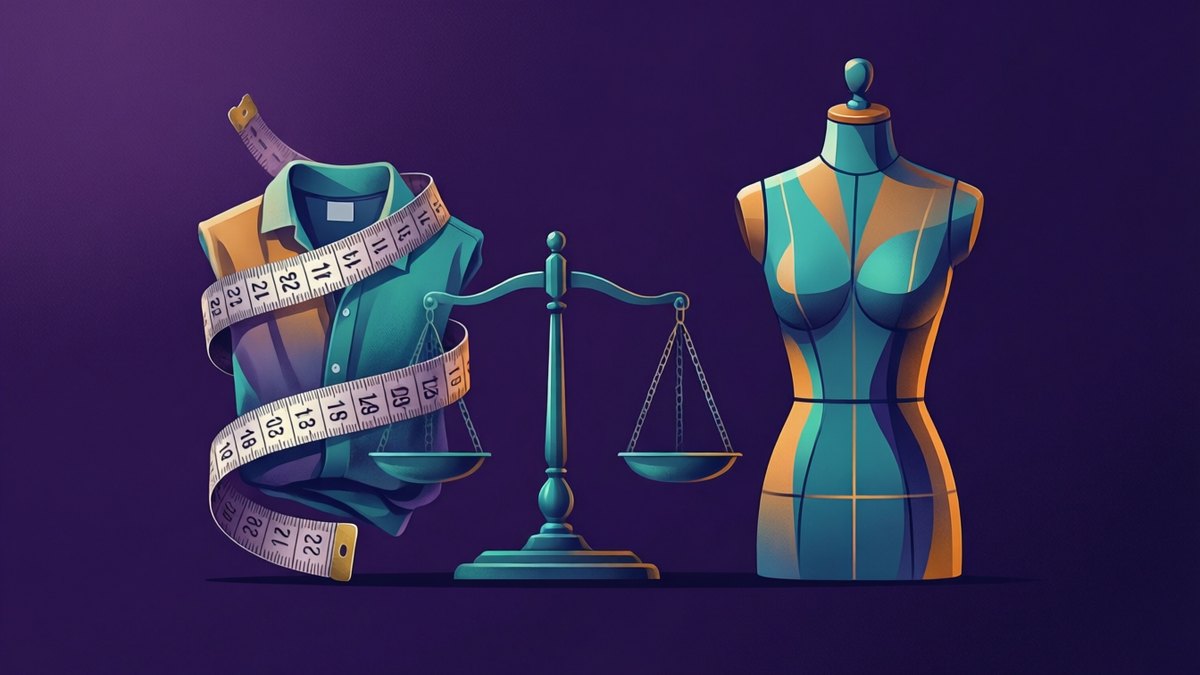
- A size chart answers "will it fit?" A virtual try-on answers "will it suit me?" You need both before you order.
- A try-on on your own photo shows colour against your skin and hair, pattern scale, the style's length and the overall shape.
- It cannot measure you, pick a size, or tell you about stretch and comfort. That is the size chart's job, plus reviews.
- Do the try-on first to cut your list, then check the size chart only for the pieces that survive.
- Know which table you are reading. A body table lists the body each size fits. A garment table lists the item itself.
You found three things you like, and you can only keep one. The product photos look great, but they show a model, not you. A size chart tells you whether a piece will fit your body. A virtual try-on tells you whether it will look right on you. Each one is blind to what the other sees, so use both.
Two tools, two different questions
A try-on handles the look. You upload a photo of yourself and a photo of the garment, and you see the piece on your body, in your light. The AI Clothes Changer keeps your face, hair, pose, body shape and background. It only swaps the clothing the new garment covers.
Size charts do the other job. They match your body's numbers to a size. No photo can do that.
How to measure yourself for any size chart
Measure once, properly, and save the numbers in your phone. Use a soft tape measure, the fabric kind. Wear thin clothing, like a T-shirt and leggings, or measure over underwear. A thick jumper adds room you do not have.
Stand up straight and relax. Keep the tape level with the floor all the way round. Pull it snug, not tight. It should lie flat without pressing into you. Breathe out normally before you read it. A friend helps, especially at the back.
Chest or bust
Wrap the tape around the fullest part of your chest. Run it under your arms and across your shoulder blades.
Waist
Find your natural waist. That is the narrowest part of your middle, usually a little above your belly button. Bend to one side, and the crease that forms marks the spot. Measure there, not where your jeans sit.
Hips
Stand with your feet together. Wrap the tape around the fullest part of your bottom, sliding it up and down to find the widest point.
Inseam
Inseam runs from your crotch down the inside leg to your ankle. It is awkward to do on yourself, so lay well-fitting trousers flat instead. Measure the inside leg seam from the crotch seam to the hem.
Body tables and garment tables are not the same thing
Shops publish two kinds of table, and they can look almost identical. Mixing them up is a common sizing mistake. If the notes under a table confuse you, paste them into Ask AI and ask it which kind of table you are reading.
A body measurement table
This lists the body each size is meant for. You compare your own chest, waist and hip numbers to it. Pick the size whose range holds your numbers. The garment itself will be a bit bigger than these numbers, because clothes need room to move.
A garment measurement table
Here the numbers describe the actual item. It might say chest width, length and sleeve for each size. Do not compare these to your body. Compare them to a piece you already own that fits well. Lay your favourite similar item flat and measure it the same way.
The flat measurement trap
Many garment tables measure the item laid flat, across the front only. A "pit to pit" chest number is half of the way round. Double it before you compare it with anything measured around a body. If the table does not say which, check the notes under it.
What a try-on on your own photo actually shows
Colour against your colouring. Some shades lift your skin. Others make it look grey or tired. You can only judge that next to your own face and hair, in your own light. If the shop sells the piece in other shades, AI Magic Edit can recolour your result so you can compare them, as long as you stick to colours the shop really sells.
Pattern scale. Bold checks can swamp a small frame. Tiny prints can vanish on a big one. Seeing the print on your body settles it fast.
Length on your body. A cropped top, a hip-length jacket and a midi skirt all land in different places on you. The try-on shows the style's length, so you can see where a cropped or long cut tends to fall.
Silhouette and proportion. Wide trousers with a boxy top can look heavy on one person and great on another. The try-on shows how the pieces balance on your shape.
For why the same piece reads so differently from the product page, Why Clothes Look Different on You Than on the Model explains the lighting and posing behind it.
This is a rule of thumb ranking, not measured data. The bars show which questions a photo can and cannot answer. Nobody recorded these as scores.
What a try-on cannot tell you
A try-on is a picture, not a fitting room. It does not measure you. It does not know the garment's real size. It does not pick a size for you. Fit in the result is an approximation, so a tight waist or short sleeves may not show up.
Fabric is invisible too. The picture cannot show if a knit stretches or a thin shirt is see-through. Very small logos and fine printed text can also drift in the result. For those, read the size chart, fabric details and reviews.
Try-on first, size chart second
The two checks cost very different amounts of time. A try-on is quick. You upload two images, add a short note if you want one, and the result is usually ready in under a minute. Size checks are slower. You find the right table, work out which kind it is, and compare every number.
So cut the list with the fast check. Drop anything that looks wrong on you. Then spend real time on the size chart only for the pieces that survived.
For tops, use a waist-up photo of yourself. For dresses, coats and trousers, use a full-length one. If your own photo is small, the AI Image Upscaler can give it more pixels before you start. The optional note box takes up to 200 characters. Try "keep my jeans" when testing a top, or "leave the jacket open" for outerwear.
Worked example: three pieces, two checks
Meet Sam, an example shopper. Sam has three candidates in a basket: a mustard wrap dress, a wide-striped shirt and a long camel coat.
Step one: the try-on round
Sam takes one full-length photo by a window and saves each product photo. The mustard dress goes first. Next to Sam's pale skin and fair hair, it looks washed out. Out it goes.
Next comes the shirt, with the note "keep my jeans". The stripes sit at a good scale on Sam's frame. The coat's long line looks balanced over slim trousers. Both stay.
Step two: the size chart round
The shirt page has a garment table measured flat. Sam lays a favourite shirt on the bed and measures pit to pit. Sam picks the size closest to that number, without going under it.
For the coat, the shop gives a body table. Sam's chest measurement falls between two sizes. Sam plans to wear a jumper underneath, so Sam goes up one size. Before paying, Sam checks the shop's current returns page, just in case.
Three pieces became two, each with a size picked on evidence. The dropped dress never needed a tape measure.
Which tool answers which shopping question
| Question you have | Answered by | Why |
|---|---|---|
| Does this colour suit me? | Try-on | You see it next to your own skin and hair |
| Is this print too big or too busy for me? | Try-on | Pattern scale shows on your frame |
| Do cropped or long cuts work on me? | Try-on | Shows where the style's length tends to land |
| Which size should I order? | Size chart | Only your measurements can answer this |
| Will the sleeves be long enough? | Size chart | Garment tables often list sleeve length |
| Does it run small or large? | Reviews | Buyers who wore it say so |
| Is the fabric thin or see-through? | Reviews | A photo cannot show fabric weight |
| Will it feel comfortable all day? | Neither | You only know once you wear it |
How many try-ons your basket needs
One try-on per candidate is enough. Guests get 1 free outfit change with no account. A free account gives 2 a day, which covers a small basket over a few days.
Pro works out to about 200 changes a month, with larger uploads and no badge on the result. The AskAI.free Free vs Pro Plan page lays out the limits side by side. Your uploads are discarded after rendering and never used to train AI.
A tiny product photo gives a weaker result, so run it through the AI Image Enhancer first.
Run both checks on your next basket
Take one clear, full-length photo of yourself by a window today. Save your four measurements. Next time you shop, try each candidate on first and drop what looks wrong. Then open the size chart for the pieces left, check which kind of table it is, and pick your size. Two checks, in that order, and far fewer parcels go back.