





How to Test OCR Results Before Trusting AI-Extracted Text
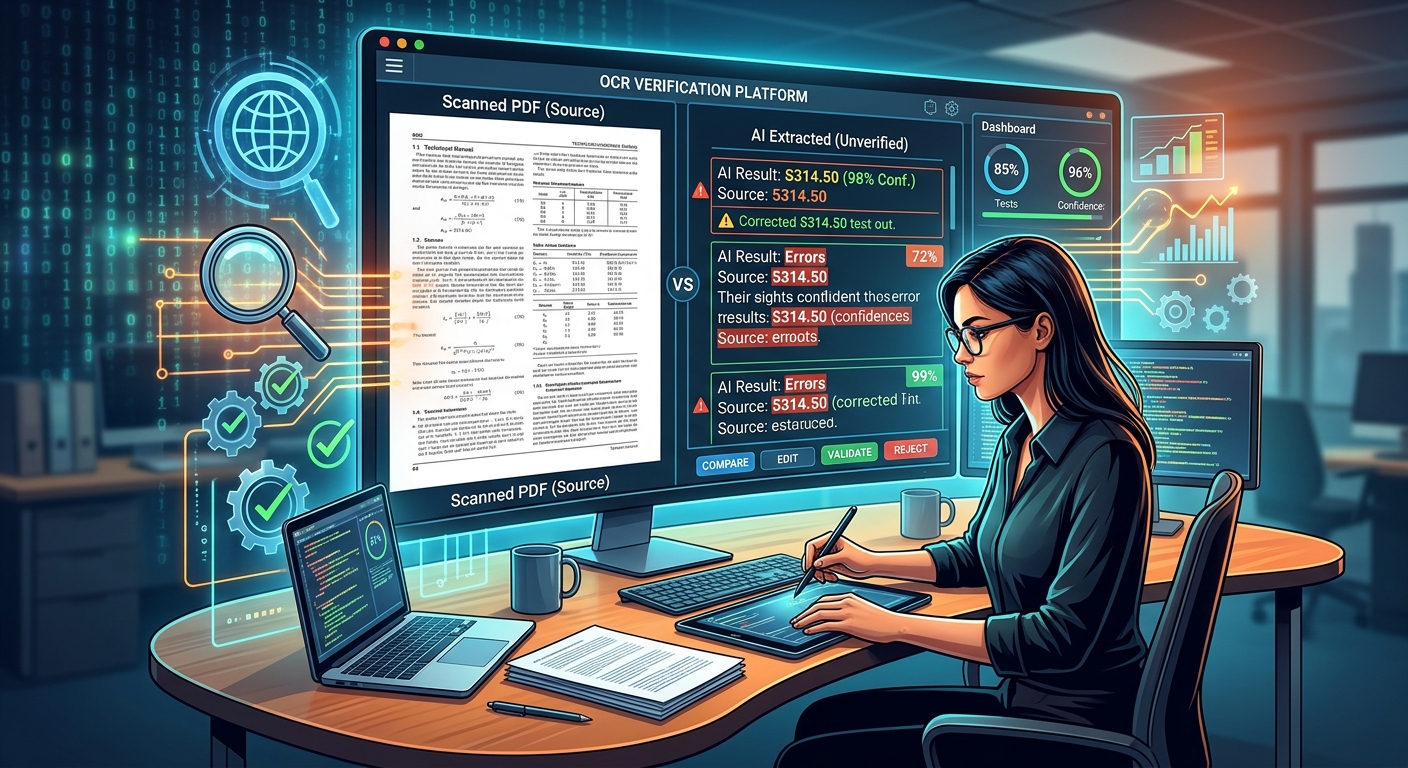
One missing decimal point can turn a routine invoice into an expensive mistake. A dropped “not” can reverse an instruction. Yet both errors can sit inside an extraction that looks tidy and reads smoothly. Before you trust text pulled from an image, screenshot, or scanned document, you need a way to check what actually survived the journey.
You do not need a large testing project. Start with a small, controlled sample. Compare every result against a checked reference. Use confidence scores to direct your attention, then manually verify fields where an error could affect a decision.
Three Checks Before You Trust the Text
- Compare tools using the same files and a manually checked reference.
- Treat confidence scores as review signals rather than proof of accuracy.
- Verify consequential fields directly against the source.
Decide What a Successful Extraction Must Preserve
OCR turns visible characters into machine-readable text. AI extraction may go further by labeling fields, rearranging information, or returning structured records. Those extra steps create more ways for an apparently sensible answer to be wrong.
A tool might read every number correctly but attach a payment amount to the wrong customer. It might combine two columns into one paragraph. An AI model might expand an abbreviation that you wanted copied exactly.
Define your goal before comparing outputs. For searchable lecture notes, readable text and correct paragraph order may be enough. For an invoice, you may need exact amounts, currency, invoice number, and supplier details. For a contract excerpt, punctuation, exceptions, and references may matter.
Write a short acceptance statement: “The output must preserve all text in reading order, keep table rows separate, and copy dates and amounts exactly.” This gives you something concrete to test.
Build a Small Sample That Reflects Your Actual Documents
A clean demonstration image tells you little about a folder full of phone photos. Your sample should reflect the material you expect to process, including its awkward parts.
A reasonable starting exercise is 10 to 20 pages or images. That is a manageable trial, not statistical proof of future performance. Include clear examples, ordinary examples, and difficult examples. If most of your work involves screenshots, make screenshots most of the sample.
Choose a few pages with small text, skewed lines, faint printing, or multiple columns. Include tables if your workflow depends on them. Include the languages, symbols, and handwriting you actually encounter. Keep difficult items identifiable so their errors do not disappear inside an average.
Use files you have permission to process. For an initial comparison, fictional documents or carefully redacted copies can help you test the workflow without uploading unnecessary personal details.
Create a Checked Reference Before Comparing Tools
Manually transcribe the sample and compare your transcription against the source again. This becomes your reference text, sometimes called ground truth. A second person checking consequential fields can catch mistakes in the reference itself.
Preserve the original wording. Do not quietly fix spelling, complete an incomplete date, or expand an unclear abbreviation. Mark genuinely unreadable material with a consistent placeholder. Keep those uncertain regions separate from your scored comparison.
For structured extraction, record which value belongs to which field. A correct amount under the wrong label is still an extraction error.
Keep the Comparison Controlled
Give each candidate the exact same source files. Use matching language settings and output requirements where possible. Save the original outputs before making corrections.
For AI models, use the same instruction. Ask for transcription or extraction rather than a summary. An instruction that invites rewriting makes exact comparison much harder.
A useful starting prompt is: “Transcribe the visible text in reading order. Preserve spelling, punctuation, numbers, and table relationships. Do not infer missing content. Mark unreadable text as [unreadable].” For field extraction, name the required fields and ask the model to leave unsupported values blank.
- Assign each source file a stable identifier and prepare its checked reference.
- Run every candidate on the unchanged sample with recorded settings and instructions.
- Save each raw result beside its source identifier, tool version if available, and processing date.
- Compare text accuracy, field accuracy, layout, and missing content separately.
- Record correction time and review every consequential field against the original.
If you want to test image cleanup, run that as a separate experiment. Compare the original image with a straightened or higher-quality version using the same tool and settings. Changing the image and the model at once leaves you guessing about what caused the improvement.
Measure Errors That Match Your Intended Use
“Looks accurate” is a weak measurement. Count specific failures. Missing characters, substituted words, invented content, and incorrect field assignments tell you different things about an extraction.
Character error rate measures the insertions, deletions, and substitutions needed to turn extracted text into the reference, divided by the reference character count. Word error rate applies that idea to words. Set your rules for spaces, capitalization, and punctuation before comparing results.
These measurements help compare transcription performance. They cannot tell you whether a particular mistake changes the meaning. One incorrect digit in a bank detail may matter more than several spacing errors.
An OCR quality checker can support your checking workflow, but keep the original image and your checked reference available. Any reported assessment needs to be interpreted against the content you actually need to preserve.
Different Checks Catch Different Failures
| Check | What You Compare | What It Can Miss |
|---|---|---|
| Character accuracy | Extracted characters against checked text | The consequence of a single wrong character |
| Exact field match | Each required value and its assigned label | Errors elsewhere in the document |
| Layout review | Reading order, columns, rows, and headings | Small spelling or digit substitutions |
| Completeness review | Expected pages, regions, and required fields | Incorrect text inside regions that were captured |
Suppose your sample contains 100 required fields. A tool copies 98 correctly but gets two invoice totals wrong. Its exact field match rate is 98%, yet those two failures still need correction before the invoices support payment decisions. Keep the overall result and the consequential error count visible.
Use Confidence to Direct Review, Not End It
A confidence score is an estimate produced by a system. Its meaning depends on the tool and on what it scores. A word score, a field score, and a page average describe different things.
Official guidance on confidence thresholds recommends considering the sensitivity of the use case and routing lower-confidence results for greater human scrutiny. That supports using scores to prioritize review. It does not make a threshold a guarantee.
A high page average can hide an incorrect account number. A confidently recognized word can still belong to the wrong table row. Compare confidence with actual errors in your controlled sample. Check whether low scores find the mistakes you care about, and count serious mistakes that receive high scores.
Do not assume that a score of 95 from one tool means the same thing as 95 from another. Compare their observed performance against your reference instead.
If a chatbot merely says it is “99% confident,” do not treat that statement as a calibrated OCR measurement. If no usable confidence data is available, record it as unavailable. You can still assess accuracy through direct comparison.
Manually Check Fields That Could Change a Decision
Choose review priorities by consequence. Names, identifiers, dates, amounts, decimal points, currencies, units, and negative wording deserve attention when they affect the next action.
Open the source beside the extraction. Read the entire field, including its label and surrounding context. Checking “125.00” alone will not reveal that the model copied a subtotal into the total field.
Watch for easily confused characters: O and 0, I and 1, or S and 5. Check whether a minus sign survived. Verify whether a date means March 4 or April 3 without silently choosing an interpretation the document does not support.
Arithmetic checks can flag a mismatch between line items and a total. They cannot establish that the source was copied correctly. Several wrong values may still add up. Always return to the image to resolve the discrepancy.
Agreement between two models is useful evidence for review, but both may make the same mistake on the same blurred text. For consequential fields, the source remains the reference.
Choose Based on Correction Work, Then Test Fresh Material
The best result is not always the neatest result. One tool may preserve wording accurately while another produces attractive formatting that conceals missing footnotes. Track how long each output takes to verify and correct.
Keep a simple error log in prose or a spreadsheet. Record the source identifier, affected field, incorrect output, correct value, and likely cause. Recurring failures can tell you whether to improve image capture, adjust instructions, or choose another tool for that document type.
After choosing a workflow, test it on a fresh sample that you did not use while adjusting settings. Reusing the same pages can make improvements look stronger than they are.
Retest when your documents change, your instructions change, or a tool update changes the output. A successful trial on clear receipts does not establish reliability on dense scanned contracts.
Let the Source Earn Your Trust
Trustworthy extraction starts with a visible connection between the source and the result. Keep the original, preserve the raw output, and record meaningful corrections. That makes later questions easier to answer.
For your next OCR task, pick a small representative sample and create a checked reference before comparing tools. Measure what was copied, what was missed, and what landed in the wrong place. Use confidence to focus attention. Before extracted text drives a consequential action, check the relevant fields against the source yourself.